Dropped a phone in water or spilled a drink on your laptop? DoorstepFix arranges workshop diagnosis, cleaning and repair for liquid-damaged devices, with pickup enquiries across KL and the Klang Valley.
Keep it off. Don’t charge it to test it.
If safe, disconnect charging power and switch the device off. If it is already off, leave it off. Contact us from another device to discuss assessment.
These steps are for a device exposed to liquid. Follow any model-specific manufacturer instructions, and only handle the device or charger if it is safe.
Phone
iPhone & Android phone
If safe, disconnect the charger and turn the phone off. Leave it off if it is already off.
Remove an external case if it comes off easily, then gently wipe the outside.
Do not reconnect a charger or repeatedly test the buttons. Contact us from another device.
Tablet
iPad & other tablets
If safe, disconnect power and switch the tablet off.
Remove an external cover if easy to do and gently wipe visible liquid.
Leave disassembly to the technician. Share the model and spill details without turning it back on.
Laptop
Laptop & notebook spills
If safe, unplug the power adapter and switch the laptop off.
Do not keep testing the keyboard, connecting the charger or restarting the laptop.
Gently wipe the exterior. Leave internal battery removal and disassembly to a technician.
For wet iPhones, avoid rice, external heat, compressed air and inserting objects into the connector. See Apple’s liquid-detection guidance.
Before handing over a damaged device
If the device is unusually hot, swollen, leaking or smoking, do not pack it or send it by courier. Keep your distance from a smoking device and seek urgent local assistance.
Water & liquid damage repair services
DoorstepFix arranges workshop assessment for phones, tablets and laptops affected by spills, rain or immersion. The findings determine the cleaning, repair and replacement work needed.
Assessment
Liquid damage diagnosis
The technician checks the device and affected components to assess repair options. Tell us what liquid was involved, when it happened and what symptoms you already noticed.
Cleaning
Internal cleaning & corrosion treatment
Workshop cleaning and corrosion treatment are considered after inspection. The technician selects a suitable process for the device and the affected parts.
Board repairs
Motherboard & component repair
Faults affecting the motherboard may need specialist work. We explain the findings and proposed repair scope before asking you to approve it.
Replacement parts
Screen, battery & damaged components
A damaged screen, battery or other component may need replacement. Confirm the part type, compatibility, cost and applicable warranty terms in your quotation.
Important files
Data recovery assessment
Tell us early if photos, documents or other files are your priority. Recovery options depend on the device and damage; a successful recovery cannot be guaranteed.
Completion
Testing & repair outcome
The team explains the repair result, agreed testing and any remaining limitations. Confirm the next step and return arrangements before the device is sent back.
Symptoms to mention in your enquiry
What you already noticed
Device stopped turning on
Black, flickering or discoloured screen
Charging problems or a liquid-detection alert
Unexpected restarts or unusual behaviour
Heat, audio or keyboard problems after exposure
Describe the incident
Tell us when it happened, the type of liquid and whether the device was powered on or connected to a charger.
You do not need to recreate the symptoms. Describe what you already saw, and keep the device off while arranging assessment.
Similar symptoms can have other causes. Diagnosis is needed to confirm the affected parts.
Workshop repair with pickup & return
Collection from your location
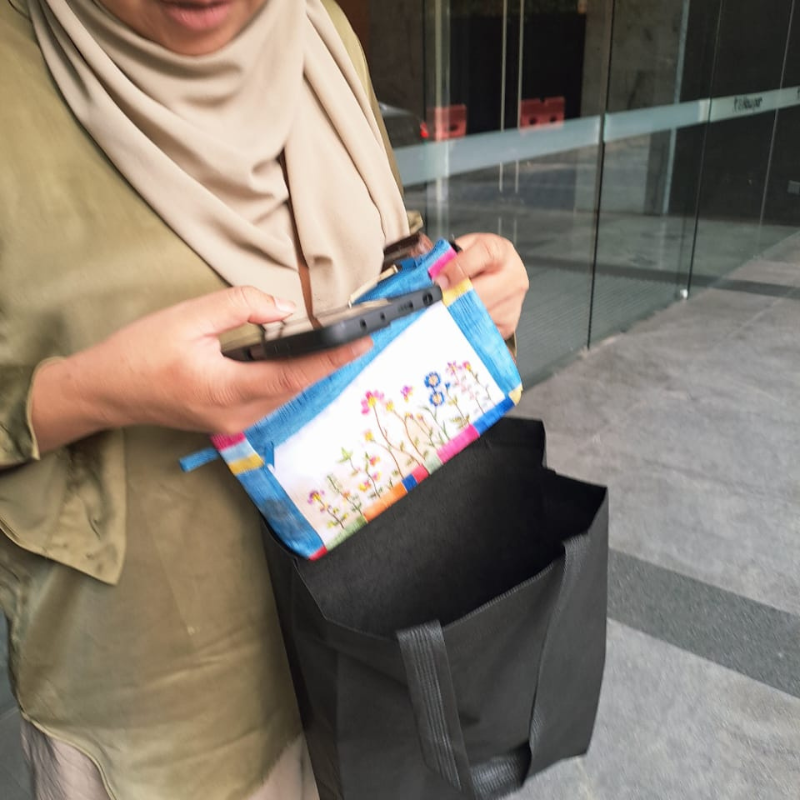
Send your address to check collection from your home, office, hotel or other agreed handover point. DoorstepFix coordinates approved pickups through Lalamove.
Confirm availability, packaging instructions, accessories included and courier charges before the rider arrives. Tell the team about any battery damage before arranging transport.
A clear assessment before repairs
The workshop reviews the condition and explains the proposed work. You approve the repair quotation before repairs proceed.
Ask about assessment charges and what happens if repair is not viable. The team confirms the expected schedule after reviewing the job.
Water damage repair cost & quotation
There is no single repair price for every spill. The device model, damage, cleaning and parts determine the work needed.
What to confirm before approval
Any assessment or diagnostic charge
Cleaning and repair labour included
Replacement components and part type
Pickup and return delivery costs
Charges if repair is unsuccessful or declined
Understand the expected outcome
Ask which functions can be repaired, what testing is included and whether any issues remain. Data recovery should be discussed separately if it is your priority.
Get the applicable warranty terms and exclusions in writing. Liquid damage can limit coverage, including for later faults.
Your files & device access
Tell us what you need to keep
Let the team know whether your priority is restoring the device, recovering important files, or both. Mention any backup you already have.
Do not switch a wet device on just to create a backup. Discuss recovery options with the technician, and approve any reset or data changes before they happen.
Permission before access
Cleaning and some hardware work can be carried out without signing in. If testing or recovery requires access, the technician should explain why and obtain your permission.
Do not send passwords, account credentials or recovery codes through this form.
How your water damage repair works
Contact us from another device
Share your device model, what happened, when it happened and your location. There is no need to turn the damaged device on.
Confirm safe collection & charges
The team reviews the details and agrees the pickup through Lalamove. Confirm assessment, courier and unsuccessful-repair charges before handover.
Review the findings & approve work
The workshop assesses the damage and explains the options. Approve the repair scope, parts and any data recovery work before proceeding.
Review testing & arrange return
The team explains the outcome and any remaining issues. Confirm payment, applicable warranty terms and return delivery arrangements.
Water damage repair across KL & the Klang Valley
We welcome pickup enquiries from the areas below, including Kuala Lumpur, Petaling Jaya, Subang Jaya and Shah Alam. Share your exact address to confirm coverage.
Cheras
Kuchai Lama
Sungai Besi
Mid Valley
Chan Sow Lin
Pudu
Ampang
Ampang Park
Taman Desa
Desa Petaling
Salak Selatan
Old Klang Road
Taman Sungai Besi
Bangsar
Bukit Bintang
KLCC
Pavilion
Bukit Jalil
Sri Petaling
Seputeh
Titiwangsa
TTDI
Mont Kiara
Kepong
Setapak
Wangsa Maju
Sentul
KL Sentral
Petaling Jaya
Bandar Sunway
Subang Jaya
Kota Damansara
Shah Alam
Setia Alam
Puchong
Sungai Buloh
For other locations, contact the team to check service availability.
Request water damage help
Use another device to send your enquiry if needed. Fill in what you already know; there is no need to test the damaged device.
The form opens WhatsApp with a message for you to review and send. Add photos in the chat only if they can be taken safely.
What should I do after spilling liquid on my device?
Stop using it. If safe, disconnect charging power and switch it off; if it is already off, keep it off. Gently wipe the exterior and contact the team from another device. Do not charge it or switch it on to test it before assessment.
Should I put a wet iPhone in rice or use a hair dryer?
No. Apple advises against putting a wet iPhone in rice, using external heat or compressed air, or inserting objects into its connector. Disconnect a wet charging cable and follow the manufacturer’s guidance for your device.
Do you repair water-damaged phones, tablets and laptops?
Yes. DoorstepFix accepts water damage repair enquiries for phones, tablets and laptops across Kuala Lumpur and nearby Klang Valley areas. Share the brand, model and details of the spill so the team can discuss assessment.
Can water damage repair be done on-site?
DoorstepFix handles water damage assessment, internal cleaning and specialist repairs through the workshop. Pickup and return can be arranged after the collection details and charges are agreed. This service is not offered as a guaranteed on-site fix.
Can a water-damaged device always be repaired?
No. Repairability depends on the liquid exposure and which parts were affected. The technician explains the findings and available options after assessment. Device repair, data recovery and long-term reliability cannot be guaranteed for every case.
How quickly can you collect my device?
Message your location and device details to check the earliest pickup through Lalamove. Collection depends on the team, rider availability and location. The team confirms the pickup arrangement; an immediate arrival or fixed turnaround is not guaranteed.
How much does water damage repair cost?
Cost depends on diagnosis, cleaning, repair labour and any replacement parts. Confirm assessment charges, the repair quotation and courier costs before approving the work. Ask what charges apply if the device cannot be repaired or you decline the quotation.
Can you recover photos or files from my wet device?
Data recovery can be assessed where possible. Tell the team which files matter most and whether you have an existing backup. Recovery is not guaranteed, and any work that may affect your data needs your approval first.
Do you need my device password?
Some cleaning and hardware work can be completed without signing in. Testing or data recovery may require access, which the technician should explain and request your permission for. Do not include passwords or recovery codes in the enquiry form.
My device still works after the spill. Should I test it again?
Avoid further testing or charging after suspected internal liquid exposure. Tell the technician what you already observed and arrange assessment. A device turning on does not confirm that its internal components are unaffected.
Is water damage repair covered by warranty?
Warranty eligibility depends on the repair, replacement parts and the condition of the device. Liquid damage can limit or exclude coverage. Ask for the specific terms and exclusions in writing before work; do not assume a general parts warranty covers water damage or later faults.
When do I pay, and how is my device returned?
Repair payment is made after the repair is completed and the outcome is explained. Confirm any assessment, unsuccessful-repair and courier charges beforehand. For agreed workshop jobs, DoorstepFix coordinates return delivery through Lalamove after the next steps are confirmed.
Tell us what happened to your device
Send the model, liquid exposure details and your location. We’ll help you discuss assessment and the next available collection arrangement.