Desktop troubleshooting
PC not turning on, no display, unexpected restarts or software errors? Describe what happens so the technician can plan the checks and assess the cause.
Malaysia's On-Demand Marketplace for Repairs, Home Services & Instant Gadgets.
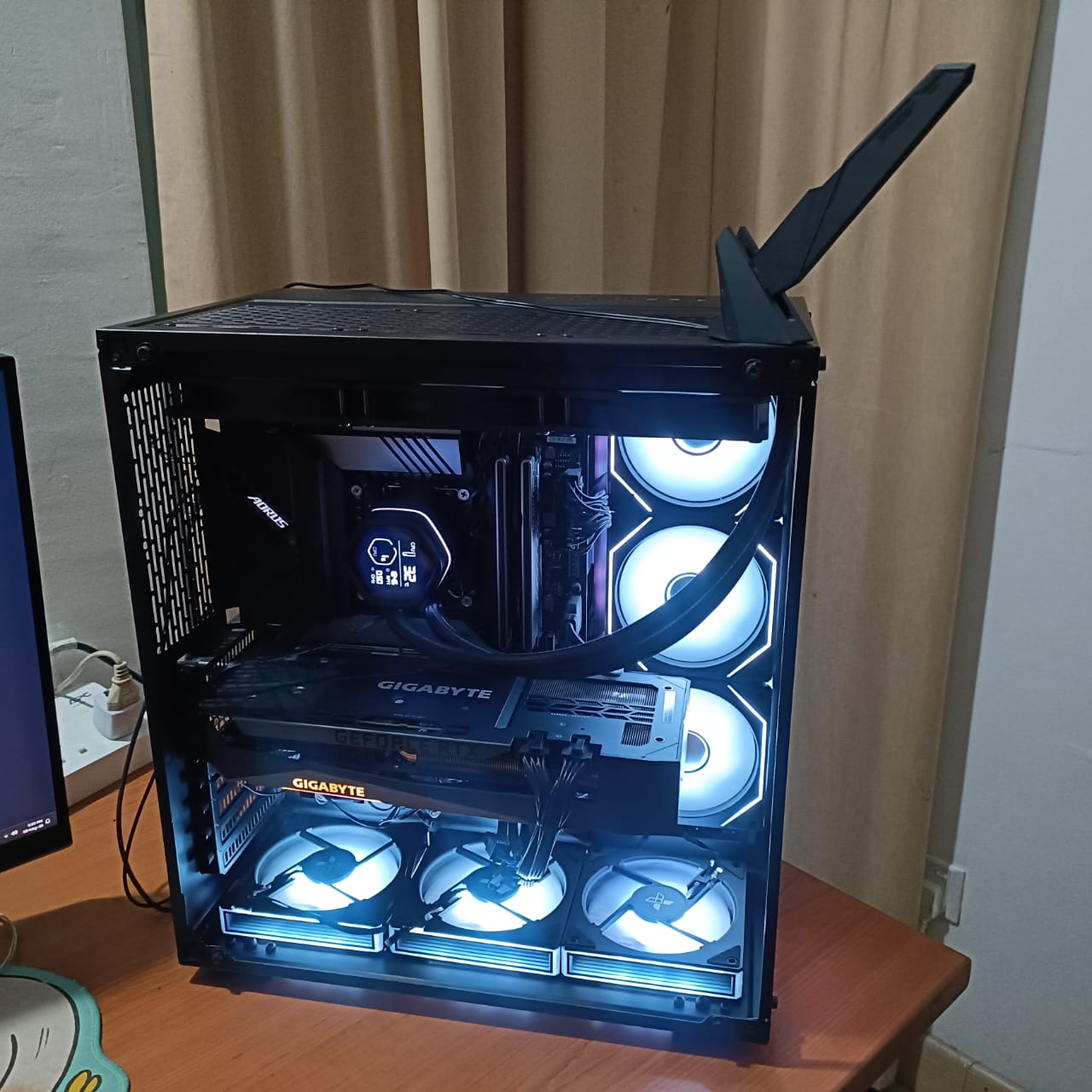
Desktop repair, hardware upgrades and troubleshooting for home and office PCs.
Speed up slow laptops with SSD upgrades, RAM upgrades and system optimization.
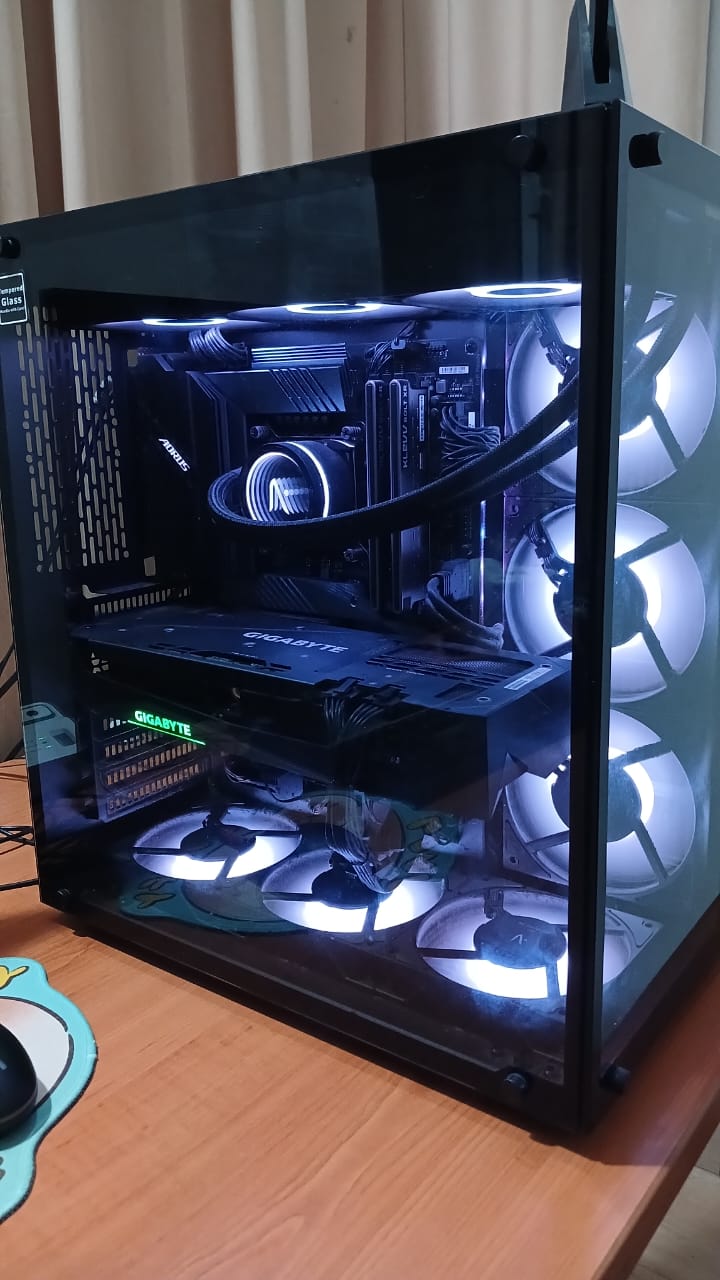
Technician visit for setup, troubleshooting, networking and office IT support.

We collect, repair and return your laptop or PC without visiting a repair shop.
Verified & trusted device repair technicians.

Available Today Top Rated

Available Today Top Rated
PC running slowly, not turning on or ready for an upgrade? DoorstepFix arranges on-site desktop repair, troubleshooting, upgrades, Windows setup and cleaning across Kuala Lumpur and nearby Klang Valley areas.
Start with a technician visit for suitable jobs. Pickup and delivery via Lalamove is also available if you prefer workshop service or further assessment is needed.
Arrange a technician visit for suitable desktop troubleshooting, upgrades, cleaning and Windows setup. Keep your PC in its usual home or office environment for assessment.
Share the issue and specifications first. Appointment availability, suitability and any transport or assessment charges are confirmed before the visit.
If you prefer workshop service, DoorstepFix can arrange collection and return through courier partner Lalamove. Some jobs may need workshop assessment or additional testing.
Confirm collection arrangements, the equipment being handed over, delivery charges and the expected repair schedule with the team.
Choose a service below or describe the problem in the booking form. You do not need to know the faulty component before asking for help.
PC not turning on, no display, unexpected restarts or software errors? Describe what happens so the technician can plan the checks and assess the cause.
Discuss storage capacity and memory upgrades around your current PC and the tasks you use it for. Compatibility, parts and any data transfer are confirmed before work.
Share your desktop specifications and gaming or work requirements. The technician reviews the proposed components and any supporting changes needed before quoting.
Enquire about Windows installation, reinstallation or system setup. Confirm compatibility, licensing, applications and your data plan before any changes are made.
Dust cleaning, fan checks and thermal paste service enquiries for desktops with heat or noise concerns. The technician assesses the condition and work required.
Get help with software installation, configuration and errors. Tell us which applications are involved and share the exact error message where possible.
Tell us what you want to improve: everyday use, more storage, work applications or gaming. The technician can review the current setup and proposed upgrade before parts are agreed.
Not sure about the specifications? Send the model name or existing purchase details. The technician can help identify the setup during assessment.
Tell the team which files and applications matter to you. Back up important files where possible, and discuss any backup or migration work you need included.
Confirm permission before formatting, resetting Windows, reinstalling software or changing a drive. The agreed work should explain what happens to your existing setup.
Some hardware fitting can be done without signing in to Windows. Testing and software troubleshooting may need access to the system.
The technician should explain the access required and obtain your permission. Keep passwords and recovery keys out of the enquiry form.
PC repair prices depend on the fault, labour, parts and any software or data work. Share as much detail as you can for an initial discussion; diagnosis may be needed to confirm the final repair.
Share the PC model or specifications, symptoms, location and whether you prefer an on-site visit or pickup.
The team checks the initial details and explains any assessment, visit or delivery charges. Approve the repair or upgrade scope before work.
The technician carries out the agreed work and testing. Any extra parts, data changes or additional work are discussed first.
Review the repair result or shared proof, then complete repair payment. Keep the invoice and applicable warranty details.
On-site visits and pickup enquiries are welcome across Kuala Lumpur, Petaling Jaya, Shah Alam and nearby Klang Valley areas. Share your exact location to confirm availability.
Share the issue and the details you know. The form opens WhatsApp with your enquiry ready to review and send.
Attach photos of error messages or your PC model in the WhatsApp chat. Leave specifications blank if you are unsure.
Prefer a direct message? Discuss your PC repair on WhatsApp.
Yes. DoorstepFix arranges on-site PC and desktop repair at homes and offices across KL and nearby service areas. Share the issue and location so the team can confirm suitability, any visit charges and an available appointment.
Start with an on-site enquiry for desktop troubleshooting, upgrades, cleaning or Windows setup. The team confirms whether the work can be handled at your location. Pickup and delivery via Lalamove is available when you prefer workshop service or the assessment indicates it is needed.
The price depends on diagnosis, labour and the parts or software required. Share your symptoms or upgrade goal and current specifications. Confirm the repair quote, any assessment or visit charges, and delivery costs before agreeing to the service.
Yes. These symptoms can be assessed. Tell the team whether fans or lights turn on, what appears on the monitor and whether anything changed before the problem started. The cause and repair options are confirmed through diagnosis.
Yes. SSD, RAM, GPU and CPU upgrade enquiries are welcome. Share your PC model or component list and the improvement you want. Compatibility, supporting parts and the agreed price are checked before installation.
That depends on the upgrade and current setup. Tell the team whether you want to keep the existing Windows installation, applications and files. If a system drive is being changed, discuss migration or reinstallation and its scope before work starts.
Yes. Windows installation and software setup can be discussed for your PC. The team confirms a suitable version, hardware compatibility and licensing requirements. Agree on backup, applications and any reinstall or reset before proceeding.
Yes. Desktop cleaning, fan checks and thermal paste service enquiries are welcome, including gaming PCs. Describe the heat, noise or shutdown symptoms so the technician can assess whether cleaning, repair or replacement parts are needed.
Fitting some hardware may not require a Windows sign-in, but testing and software work can require access. The technician will explain what is needed and ask your permission. Do not put passwords or recovery keys in the booking form.
Discuss files you need to keep and your backup status before work. Back up important files where possible. Agree before any formatting, reset, reinstallation or drive replacement; data preservation or recovery cannot be assumed.
Repair results or proof are shared before repair payment. Confirm any assessment, visit or delivery fees separately when booking. Ask for the applicable parts and repair warranty terms, exclusions and claim process in writing; coverage depends on the job.
Some jobs can be completed during the visit, depending on diagnosis, parts, software tasks and testing. More involved work may require additional time or workshop service. The team confirms the expected timing after reviewing your PC and issue.
Send the symptoms, location and any PC details you know. We’ll help you discuss the next step and arrange suitable service.